The call your office could not answer
A busy dental front desk cannot always answer every ring during checkouts, lunch hours, or short staffing. Implementing structured phone coverage ensures callers receive immediate assistance while giving your team the context they need for effective follow-up.
 Rachel HuCo-founder, Byteblock.ai
UC Berkeley; Forbes 30 Under 30
Rachel HuCo-founder, Byteblock.ai
UC Berkeley; Forbes 30 Under 30
When front desk teams are busy assisting patients in the clinic, missed calls happen. Discover how AI phone coverage captures inquiries and provides seamless administrative handoffs.
Quick orientation
Executive Summary
Dental practices often balance in-person patient care with phone coverage. When staff members are occupied with checkouts or administrative duties, calls can slip through the cracks. Byteblock supports administrative phone workflows by greeting callers, capturing their reason for contact, and routing the information under the practice's rules. The human team remains responsible for consequential decisions and follow-up.
- Administrative phone coverage bridges the gap during busy clinic hours without replacing your staff.
- Structured handoffs provide front desk teams with clear context instead of unexplained voicemails.
- Byteblock handles routine inquiries while routing complex or consequential cases for human review.
The reality of front desk capacity
Administrative teams are tasked with greeting arrivals, processing co-pays, managing schedules, and answering multiple phone lines simultaneously. During peak hours, such as morning rushes or lunchtime transitions, it becomes virtually impossible to catch every single ring. This is not a reflection of staff dedication but rather the reality of a bustling clinical environment. When calls are not answered promptly or callers are placed on long holds, practices risk losing patients who might simply hang up and dial another provider. Finding a balance requires supportive infrastructure rather than merely asking the existing team to work harder.
The American Dental Association (ADA) says a phone call is still likely to be a prospective patient's first communication with a practice. It recommends a consistent greeting and preparation for common questions. Byteblock can greet callers in the practice's preferred tone and answer ordinary questions such as office hours or directions. The office should review the call flow and escalation rules so staff can follow up when a request needs personal attention.[1][2][4]
Transforming voicemails into actionable handoffs
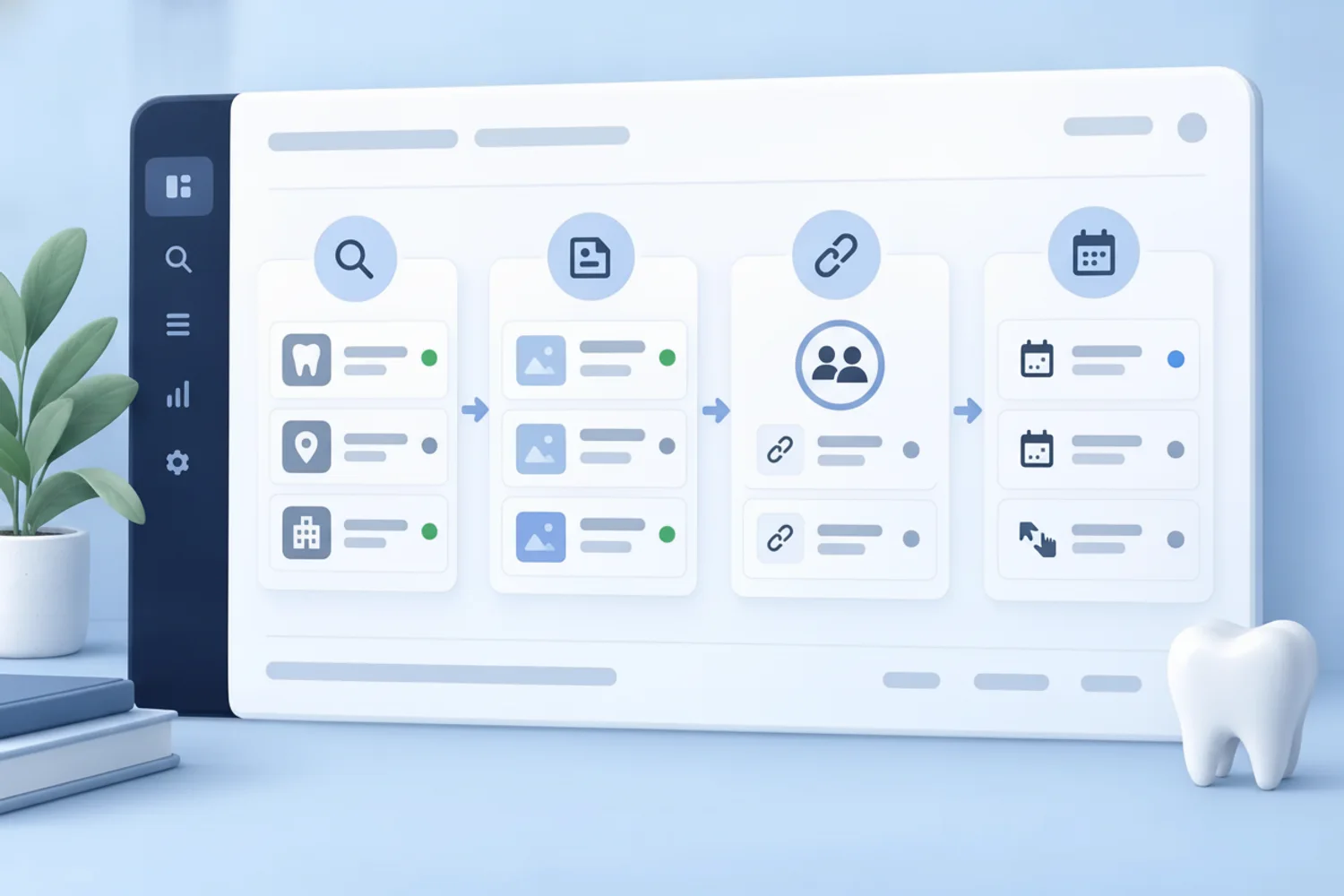
The traditional voicemail system often leaves administrative staff guessing about the urgency or nature of a patient's needs. An unexplained message requires the team to spend valuable time listening, deciphering, and calling back just to understand the baseline request. The Office of the National Coordinator for Health Information Technology (ONC) and the Department of Health and Human Services (HHS) have highlighted the need to reduce administrative and regulatory burdens in healthcare so that staff can focus on what matters most: caring for patients. Modernizing the intake process directly addresses this ongoing administrative challenge.
Byteblock can capture the caller's stated reason for contact and route scheduling requests, messages, or escalations under rules the practice sets. The team receives a structured handoff with the information the caller provided and can prioritize callbacks. Staff should review any clinical or financial concern and decide how to respond; the phone workflow does not make those decisions for them.[3]
Illustrative workflows
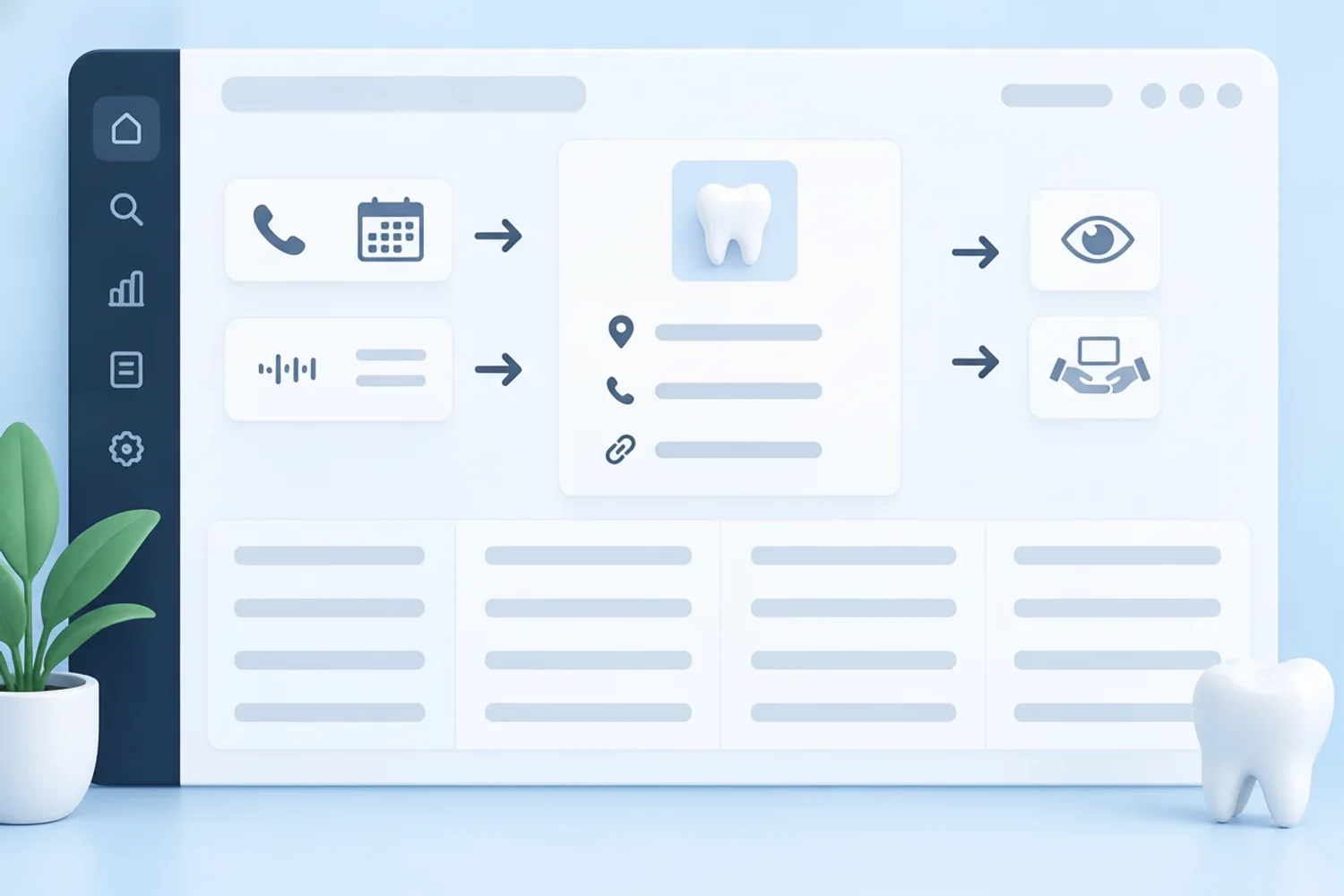
Three ways to structure the work
After-hours appointment requests
- Operational problem
- Patients frequently call to request new appointments after the dental clinic has closed for the evening, resulting in missed opportunities and a frustrating backlog of morning voicemails for the administrative staff.
- Byteblock role
- Byteblock provides reliable after-hours phone coverage by greeting the caller, answering basic questions about operating hours, and collecting the patient's specific appointment preferences based on the practice's authorized intake rules.
- Human checkpoint
- The front desk team reviews the collected appointment preferences the next morning to finalize the schedule, verify details, and make any consequential booking decisions.
What it shows: This illustrates how Byteblock captures essential scheduling context during unstaffed hours, replacing unexplained voicemails with structured administrative handoffs that significantly streamline the morning routine.
Mid-day lunch hour coverage
- Operational problem
- During the designated lunch hour, the front desk operates with short staffing, making it difficult to manage the influx of routine questions regarding office directions or accepted insurance networks.
- Byteblock role
- Byteblock acts as an administrative support layer, answering ordinary questions such as office location, parking instructions, and general hours, while capturing detailed messages for anything requiring specific staff intervention.
- Human checkpoint
- Practice administrators review the captured messages upon returning from lunch, ensuring that any complex insurance verification or clinical inquiries are handled by authorized personnel.
What it shows: This demonstrates how Byteblock maintains a professional, helpful tone for routine callers while protecting the staff's break time and ensuring that no critical patient communication is lost during transitions.
High-volume checkout overflow
- Operational problem
- When multiple patients finish their dental treatments simultaneously, the front desk is overwhelmed with processing co-pays and scheduling follow-ups, leaving incoming phone lines ringing without an available staff member.
- Byteblock role
- Byteblock steps in to provide immediate phone coverage, greeting the overflow callers, determining their reason for contact, and routing the inquiry to the appropriate digital queue based on practice rules.
- Human checkpoint
- Once the in-person checkout rush subsides, the administrative team reviews the organized digital queue to follow up on the specific requests, maintaining full control over financial and clinical decisions.
What it shows: This highlights how Byteblock operates alongside the practice's existing procedures to handle temporary volume spikes, ensuring callers receive immediate attention without disrupting the essential in-person patient experience.
Reusable blueprint
Three-workflow blueprint
| Workflow | Byteblock role | Human checkpoint |
|---|---|---|
| After-hours appointment requests | Byteblock provides reliable after-hours phone coverage by greeting the caller, answering basic questions about operating hours, and collecting the patient's specific appointment preferences based on the practice's authorized intake rules. | The front desk team reviews the collected appointment preferences the next morning to finalize the schedule, verify details, and make any consequential booking decisions. |
| Mid-day lunch hour coverage | Byteblock acts as an administrative support layer, answering ordinary questions such as office location, parking instructions, and general hours, while capturing detailed messages for anything requiring specific staff intervention. | Practice administrators review the captured messages upon returning from lunch, ensuring that any complex insurance verification or clinical inquiries are handled by authorized personnel. |
| High-volume checkout overflow | Byteblock steps in to provide immediate phone coverage, greeting the overflow callers, determining their reason for contact, and routing the inquiry to the appropriate digital queue based on practice rules. | Once the in-person checkout rush subsides, the administrative team reviews the organized digital queue to follow up on the specific requests, maintaining full control over financial and clinical decisions. |
Implementation checklist
How to put the workflow into practice
Define clear escalation rules
Establish precise guidelines for how different types of inquiries should be routed. Determine which calls require immediate human intervention and which can be handled by administrative support, ensuring your team only steps in for consequential or complex patient needs.
Update your practice knowledge base
Maintain accurate records of your office hours, location details, and general policies. Byteblock relies on this foundational information to answer ordinary questions effectively, providing callers with reliable assistance when your front desk is occupied with in-person patient care.
Prioritize structured handoff reviews
Dedicate specific times during the day for your administrative team to review captured messages and scheduling requests. Treating these structured handoffs with the same priority as live calls ensures timely follow-up and prevents any patient communication from being overlooked.
Maintain the practice's unique tone
Configure your phone coverage greetings to reflect the welcoming and professional image of your specific dental office. A consistent, friendly tone reassures callers that they have reached the right place, even if they are interacting with an administrative support system.
Sources
- ada.org — American Dental Association
- ada.org — American Dental Association
- healthit.gov — Office of the National Coordinator for Health IT
- ada.org — American Dental Association
Common questions
Frequently asked questions
Byteblock provides administrative phone coverage by greeting callers in the practice's preferred tone and answering ordinary questions such as office hours or directions. If the caller needs to schedule an appointment or leave a specific message, Byteblock captures the exact reason for contact and routes the information as a concise, structured handoff for the human staff to review later.
No, Byteblock never makes any clinical, coding, or financial decisions on behalf of the practice. Its approved role is strictly limited to administrative phone and patient communication support. All consequential, uncertain, or clinical matters are carefully captured and routed directly to the practice's authorized personnel. Human review remains a mandatory checkpoint for any complex patient inquiries or finalized scheduling.
Byteblock is specifically designed to operate alongside the practice's existing software and procedures, rather than replacing them. It functions as an end-to-end AI back office that supports your current administrative workflows. Exact integrations, permissions, and workflow boundaries are confirmed during a comprehensive practice assessment to ensure the system perfectly complements your team's established daily routines and technology stack.
A phone call is often a prospective patient's very first communication with your practice, setting the tone for their entire experience. When calls are not answered promptly or callers are placed on long holds, practices risk losing patients to other providers. Effective phone coverage projects a professional image and strongly influences a patient's decision to seek dental care.[1][2][4]
See how Byteblock fits your dental practice
Schedule your practice assessment today
Book a demo