Local search, without the busywork
Keep the details patients need accurate, publish useful answers, and measure the inquiries that follow.
 Byteblock Editorial TeamResearch and editorial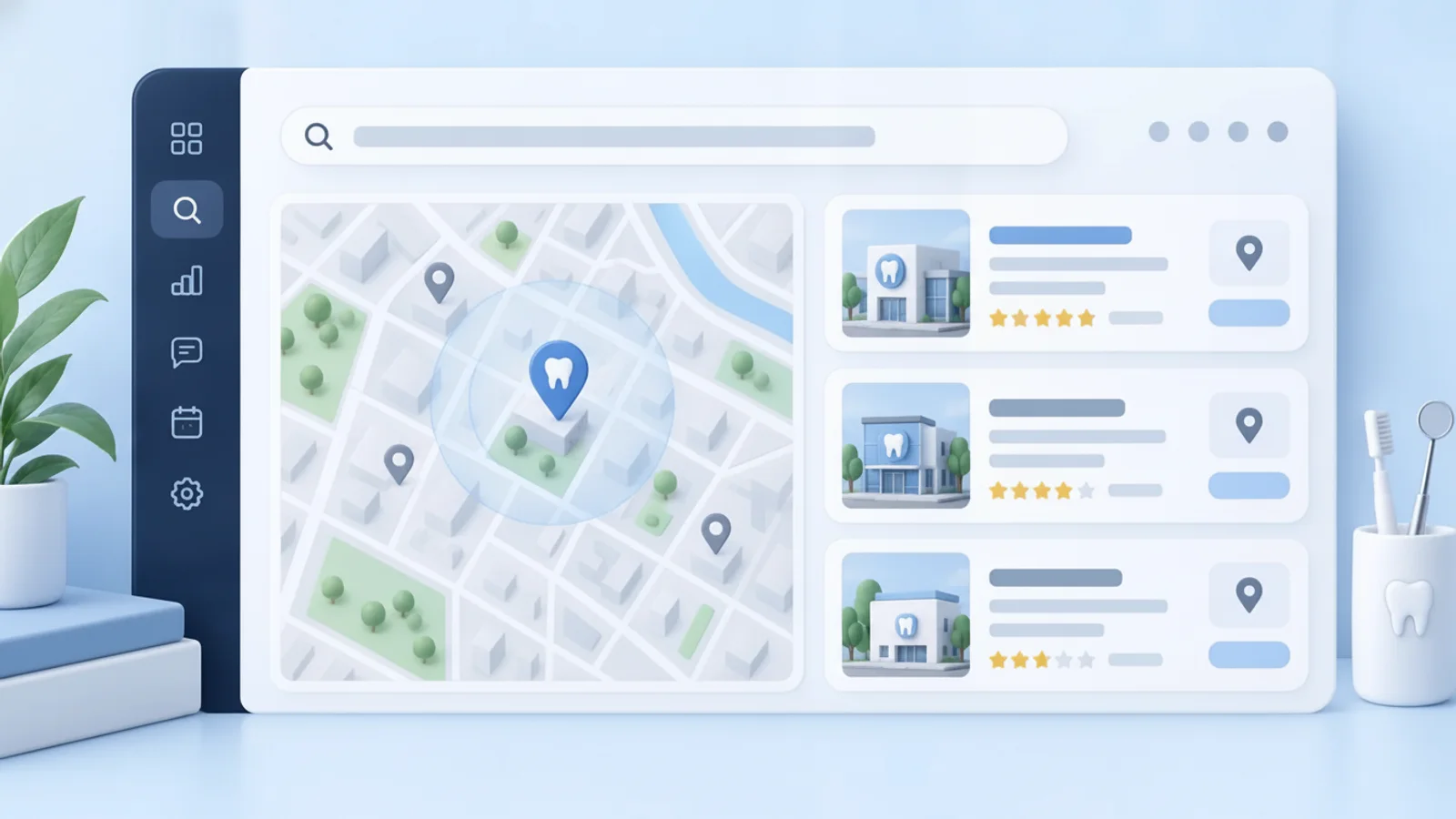
Discover how local search for dental practices can help nearby patients find your clinic through accurate profiles, helpful content, and compliant review management.
In brief
Executive Summary
Local search helps nearby patients find accurate information about a dental practice. Useful service pages, an up-to-date Google Business Profile, thoughtful review responses, and a manageable content cadence form the core workflow. Track real inquiries and appointments to learn which efforts help patients reach the office.
- Prioritize helpful, people-first content over writing strictly for search engines.
- Keep review responses general and move conversations about care to a private channel.
- Keep profile details, photos, hours, and service descriptions accurate and useful.
- Watch profile interactions, inquiries, and booked appointments instead of relying on ranking promises.
The Fundamentals of Local Search
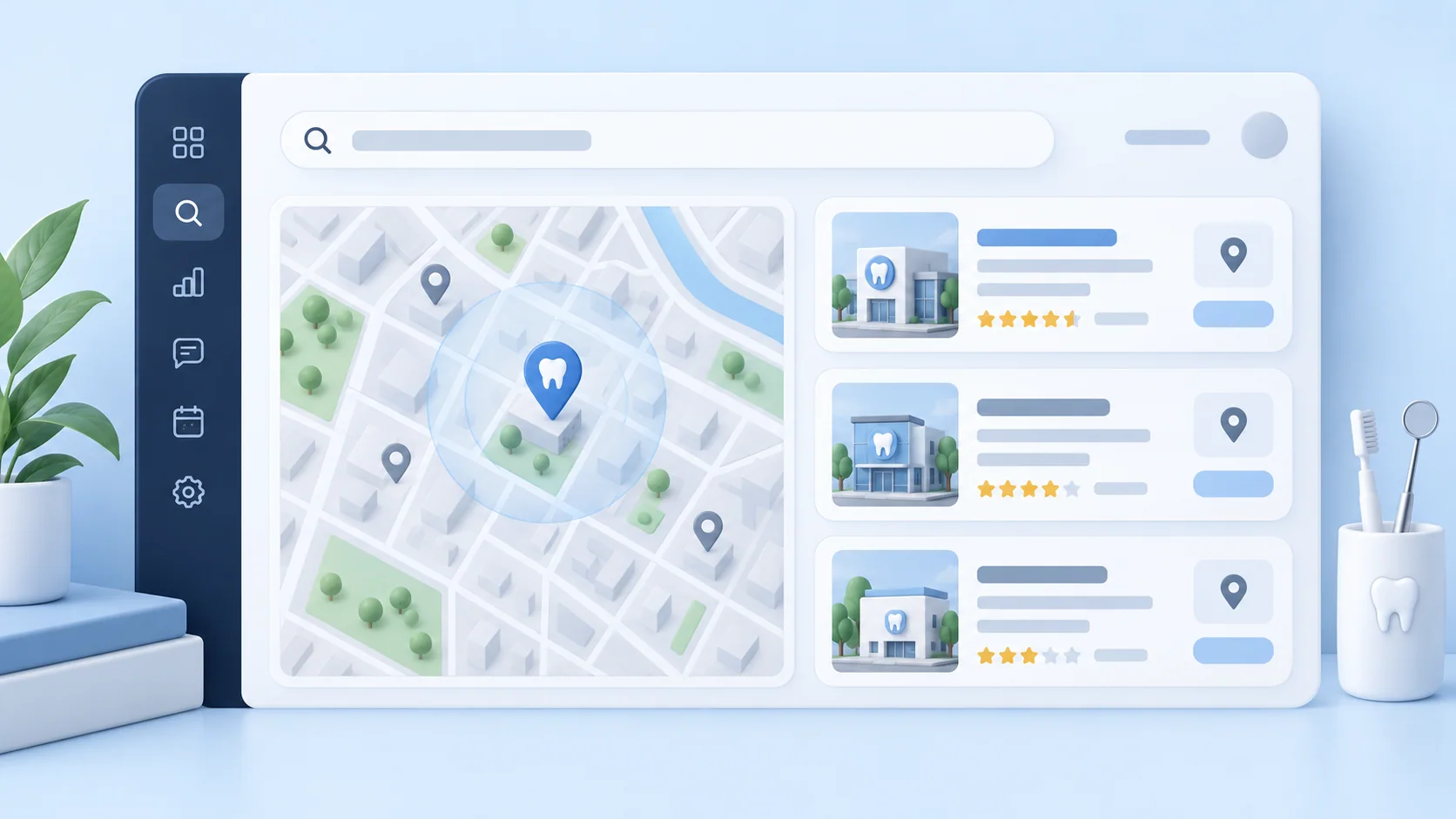
Local search for dental practices is an essential mechanism for helping nearby patients discover your clinic. The fundamentals are straightforward but require consistent effort: maintaining accurate service pages, an up-to-date business profile, current reviews, and genuinely useful content. The operational challenge for most practices is keeping these materials current while the front office is busy managing patient care. When prospective patients look for a new dentist, they rely heavily on accurate information regarding your address, contact details, and the specific dental services you provide.
To succeed in local search, practices must prioritize clear, patient-centric content. Describe your services and real locations plainly in the language your patients use, avoiding overly complex clinical jargon where simple terms suffice. Google Search Central emphasizes creating helpful, reliable, people-first content rather than writing strictly for search engines. This approach ensures that your website serves as a genuinely useful resource for your community, building trust before a patient ever walks through your doors.[1]
Managing Reviews and Patient Communication
Patient reviews can help people understand how a practice communicates. Google lists more reviews and positive ratings among factors that can help local ranking, but no individual review can promise a particular position. Ask for feedback through ordinary patient communication and read it as a source of service insights as well as public feedback.
Review replies require care. The American Dental Association advises dentists to avoid revealing patient information or confirming a patient relationship in a public response, even when the reviewer mentions treatment first. A generic acknowledgement and an invitation to contact the office privately can leave room for a useful conversation without discussing care in public.
Create a simple office process for reviewing feedback, deciding who replies, and routing concerns to the appropriate team member. Keep responses brief and courteous. If a review raises a clinical, billing, or privacy concern, have the responsible practice staff evaluate it before posting any public reply.[2][3]
Useful Content and Profile Updates
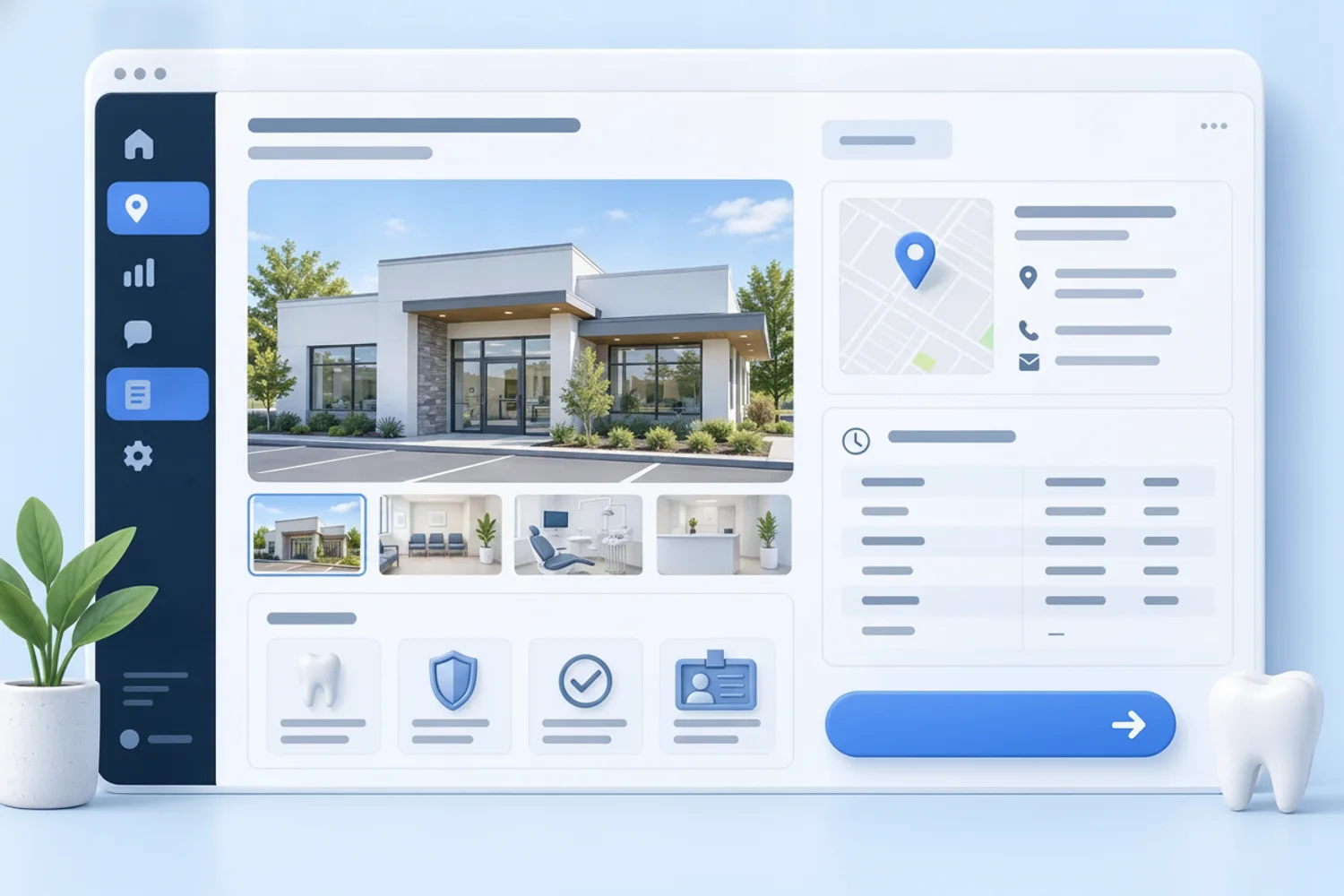
A manageable content cadence helps the website answer questions patients actually ask. Start with service pages that explain what the office offers, who a service may be for, and how to request an appointment. Add location details and practical answers that reflect the real practice. Review each page when services, staff, hours, or booking steps change.
Maintain the same practical details in Google Business Profile. Google recommends keeping the address, phone number, website, category, hours, and photos accurate. Check special hours before holidays and update photos when they help a prospective patient recognize the office. Conflicting details between a website and a profile can make an otherwise simple visit harder to plan.
Set a small recurring review instead of a large one-time campaign: confirm the profile's contact details, check whether service pages still describe the office accurately, and publish a useful answer when the team notices a recurring patient question. This keeps the work grounded in real operations and gives the front desk a clear way to flag outdated information.[6]
Navigating SEO Myths and Measuring Success
Local ranking depends on several factors, including relevance, distance, and prominence. Google says there is no way to request or pay for a better local ranking. Be cautious of promises that a single listing, keyword edit, or agency package will place the office first for every nearby search. Accurate information and genuinely useful pages are practical work the team can control.
Google Business Profile performance can show actions such as calls, website clicks, and requests for directions. Review those numbers alongside the office's own inquiries and booked appointments. Profile actions are useful signals, but they do not show whether a caller became a patient or whether an appointment was appropriate for that person. A simple intake note about how new patients found the practice can add context.
Look for patterns over time and tie each update to a patient need. If callers repeatedly ask about a service, clarify that service page. If people struggle to find the office, check directions and address details. This approach makes local search work a regular part of keeping patient information accurate rather than a chase for a single ranking number.[4][5]
- Review profile performance data to track calls, website clicks, and direction requests.
- Use website analytics to monitor visitor origins and user engagement.
- Compare online actions with actual inquiries and booked appointments.

Sources
- Creating helpful, reliable, people-first content — developers.google.com
- 5 best practices for responding to online reviews — adanews.ada.org
- Responding to negative reviews on social media — American Dental Association
- Tips to improve your local ranking on Google — Google Business Profile Help
- Understand your Business Profile performance — Google Business Profile Help
- Edit your Business Profile — Google Business Profile Help
Common questions
Frequently asked questions
You should focus on clear, patient-centric language. Google Search Central emphasizes creating helpful, reliable, people-first content rather than writing strictly for search engines.[1]
Avoid discussing the treatment or confirming a patient relationship in a public reply. The American Dental Association recommends a general response and an invitation to continue the conversation privately.[2]
Have the appropriate staff review it, keep any public response general, and invite the reviewer to contact the office directly. Discuss specific care or billing issues through private channels.[3]
Review Google Business Profile actions such as calls, website clicks, and direction requests, then compare them with the office's inquiries and booked appointments over time.[5]
See how Byteblock fits your dental practice
See how Byteblock can help your team keep dental practice information and patient communications organized while you plan the next useful update to your online presence.
Book a demo